Products Details
Version: 1.0.1 · Route: /products-details
Who can access
Users with Products Details view permission. Add/edit/delete require edit or delete rights (Viewer is read-only).
Screenshots
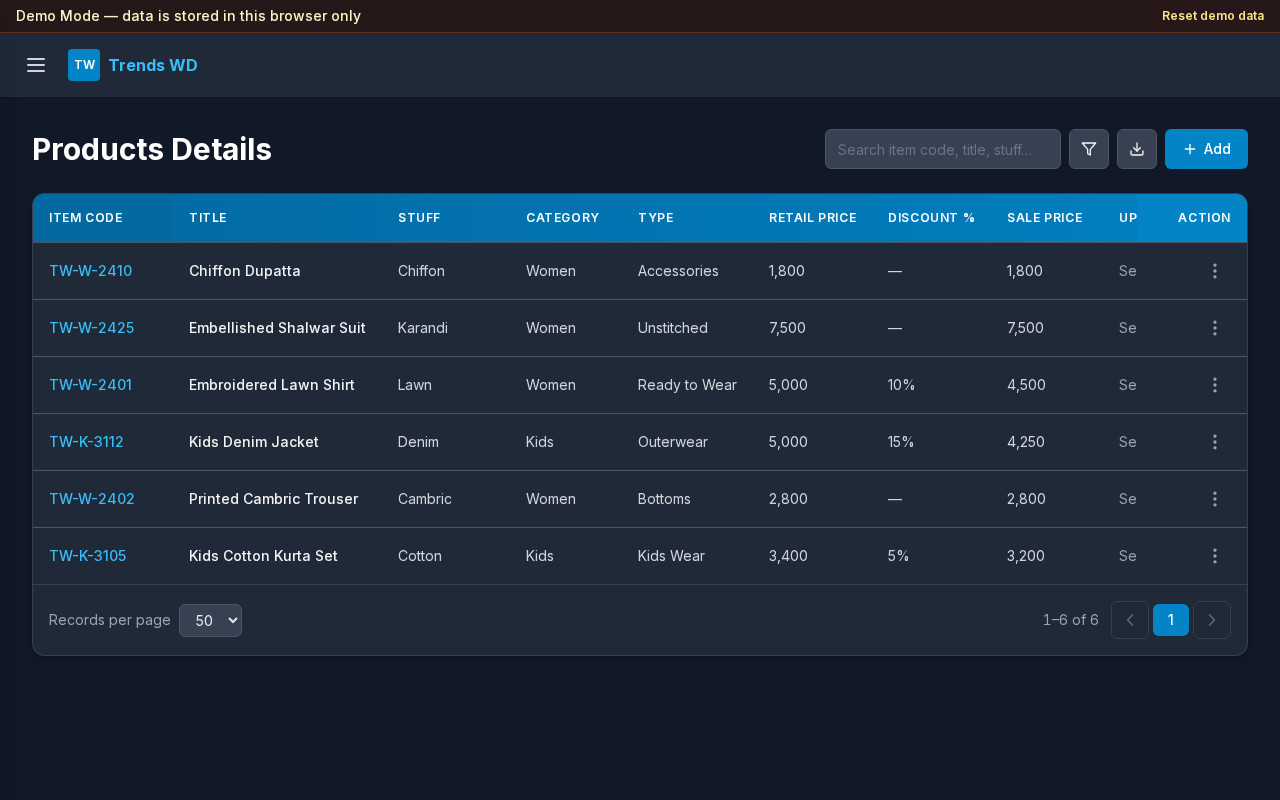
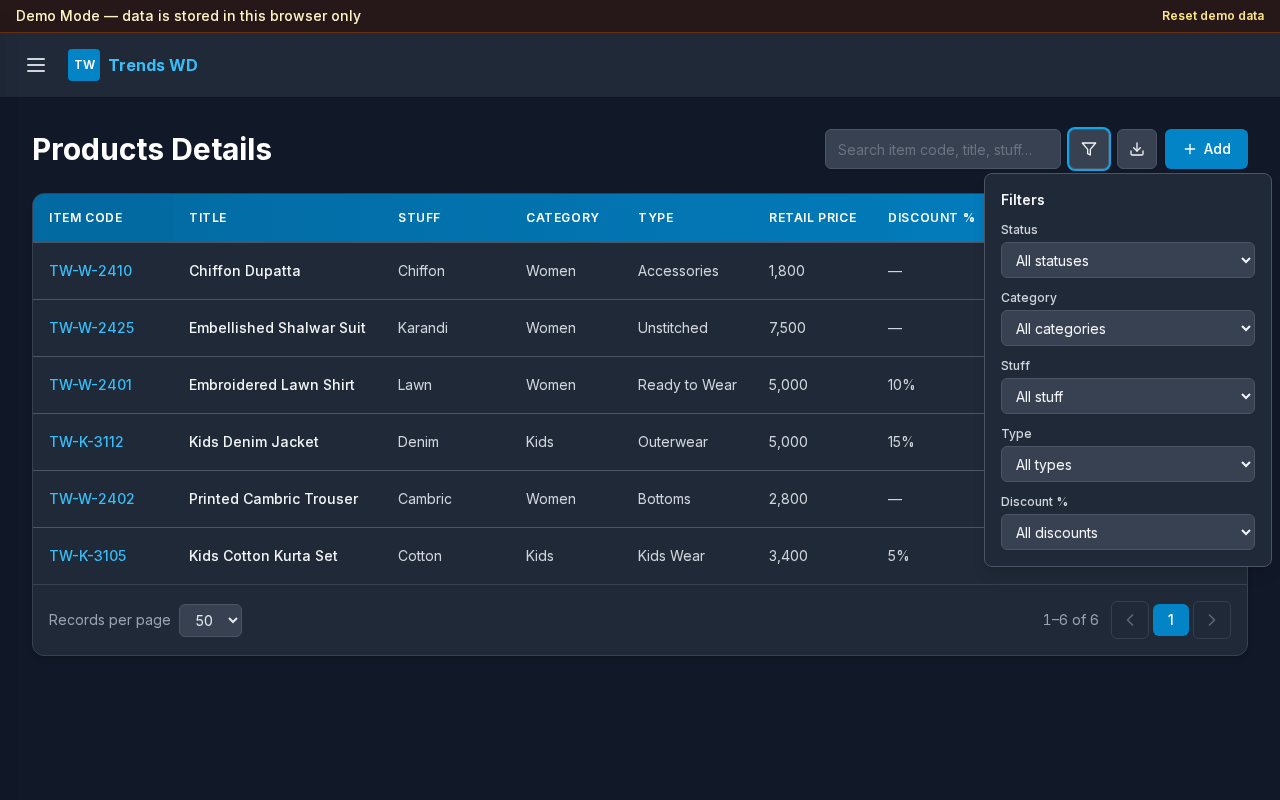
What this page does
Manages the product catalog: item codes, titles, pricing, description fields, variants, linked Women/Kids size charts, status workflow, and Shopify-oriented export/create actions.
Layout at a glance
- Search and filter controls
- Add product (when permitted)
- Table or mobile cards of products
- Row actions for view/edit/status/export
Steps
- Search by item code, title, stuff, category, type, or status.
- Open Filter to narrow by status, category, stuff, type, or discount.
- Select Add to create a product (Details, Description, and Variants tabs). On Details, search Item Code by POS Stock Name — Variants then select matching sizes and fill each color/size row’s SKU, Barcode, prices, and quantity from POS Stock (updates when POS Stock changes).
- On Details, choose Category (Women or Kids), optionally link a matching Size Chart, and pick Shopify Collections from the searchable multi-select (handles like
formal,new-arrival,frock). - Use row actions to open a product (details popup includes View chart for a linked size chart), Duplicate (copies Description + Collections only into a new form), change status (Pending → Processing → Updated), export, or Create on Shopify (creates as Draft, enables all sales channels / catalogs, joins the selected collections; when a size chart is linked, its image is pushed to metafield
custom.products_size_chart). Use the Item Code list icon to multi-select products; toolbar Status and Shopify appear after selection — Status updates them together, Shopify creates the selected eligible products (skips already Updated). Size Chart is required by default; uncheck the box beside the label to save without one.
Status workflow
| Status | Meaning |
|---|---|
| Pending | Not finished |
| Processing | In progress |
| Updated | Ready |
Errors & edge cases
- Empty search results show a clear empty state.
- Viewers can browse but cannot use Add or destructive actions.