Getting started
Version: 1.0.0
Open Demo Mode
- From the repository:
cd demo-mode && npm install && npm run dev - Open
http://localhost:3000/for the public customer website - Open
http://localhost:3000/adminfor the staff admin portal (or click Staff login on the public site) - On the login screen, choose a demo account card (or enter the username and password shown on the card)
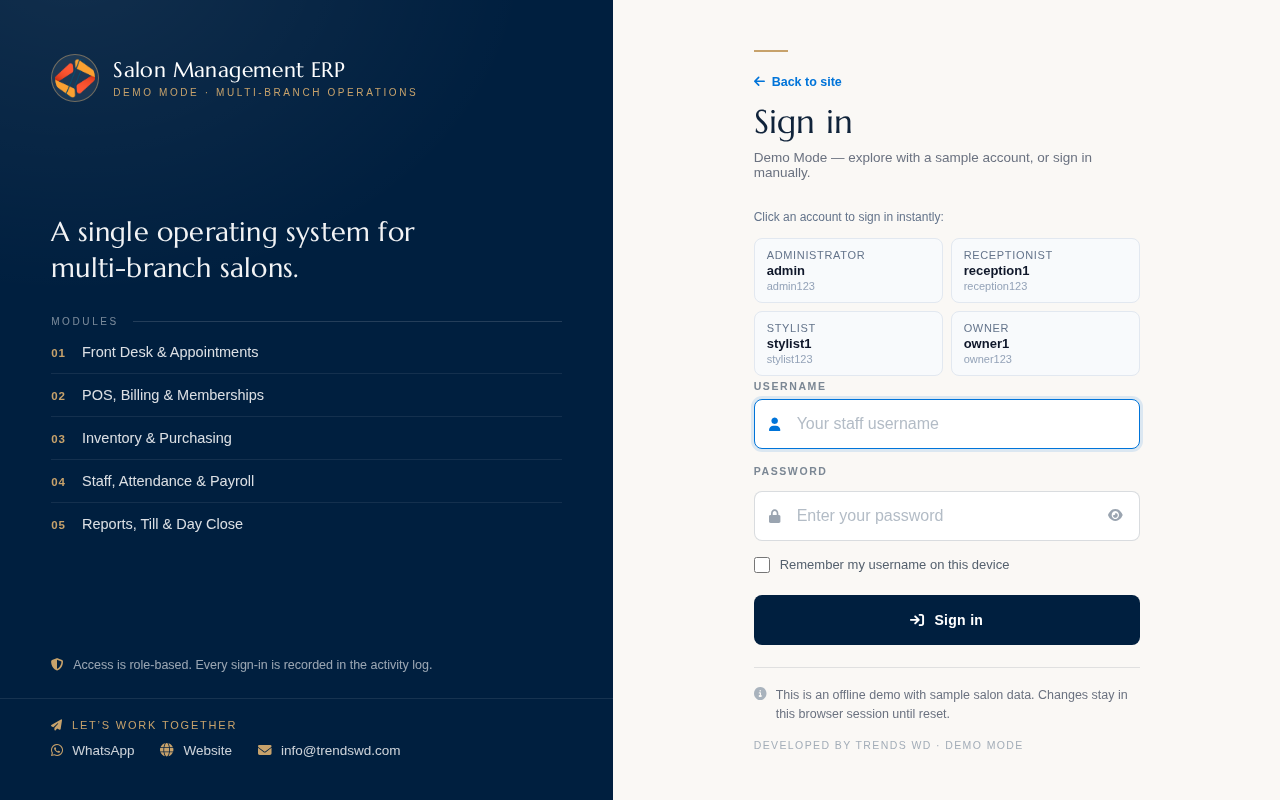
Administrator sample account: username admin, password admin123.
No production database or API keys are required for Demo Mode.
After sign-in
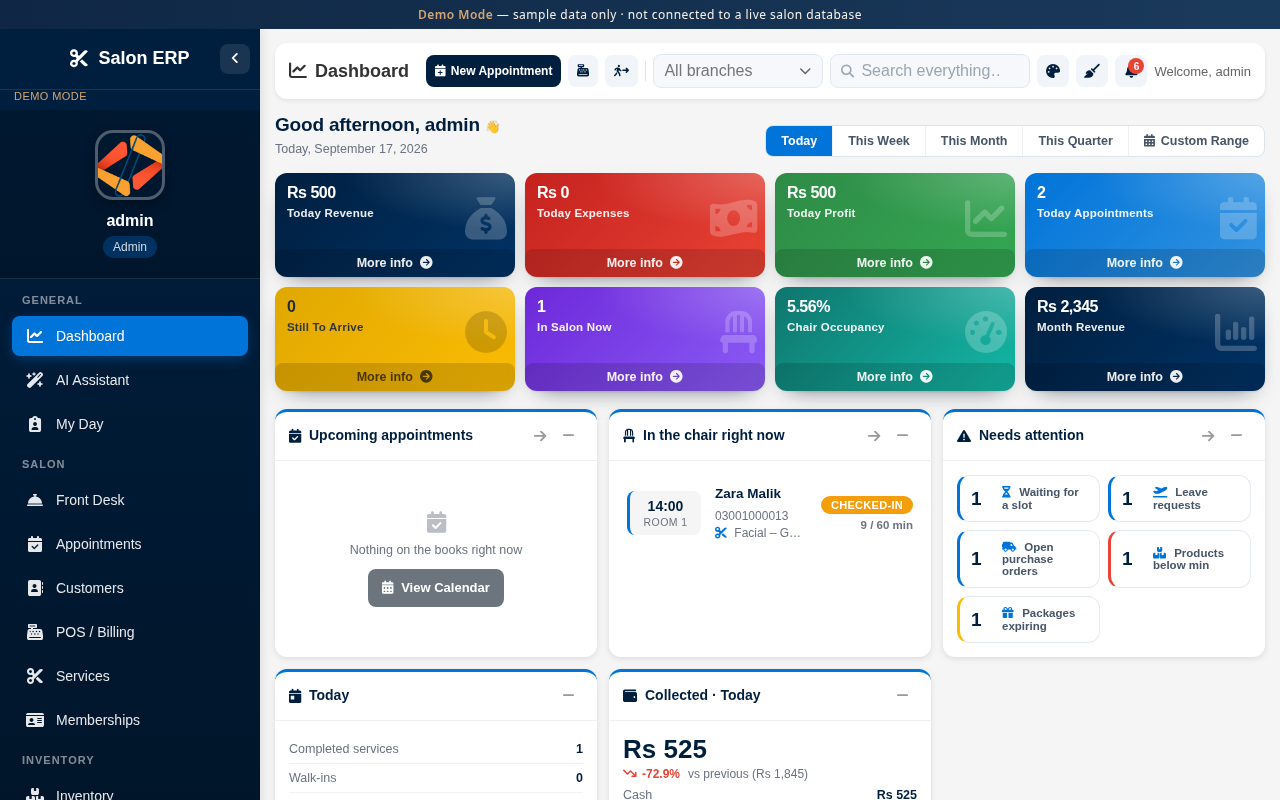
- Explore the Dashboard
- Use the sidebar for Front Desk, Appointments, Customers, and POS
- Use Reset demo data in the sidebar to restore the sample dataset