Login
Version: 1.0.0
| Route | /admin |
| Access | Public |
Purpose
Sign in to the salon operations console. Demo Mode shows clickable account cards.
Screenshot
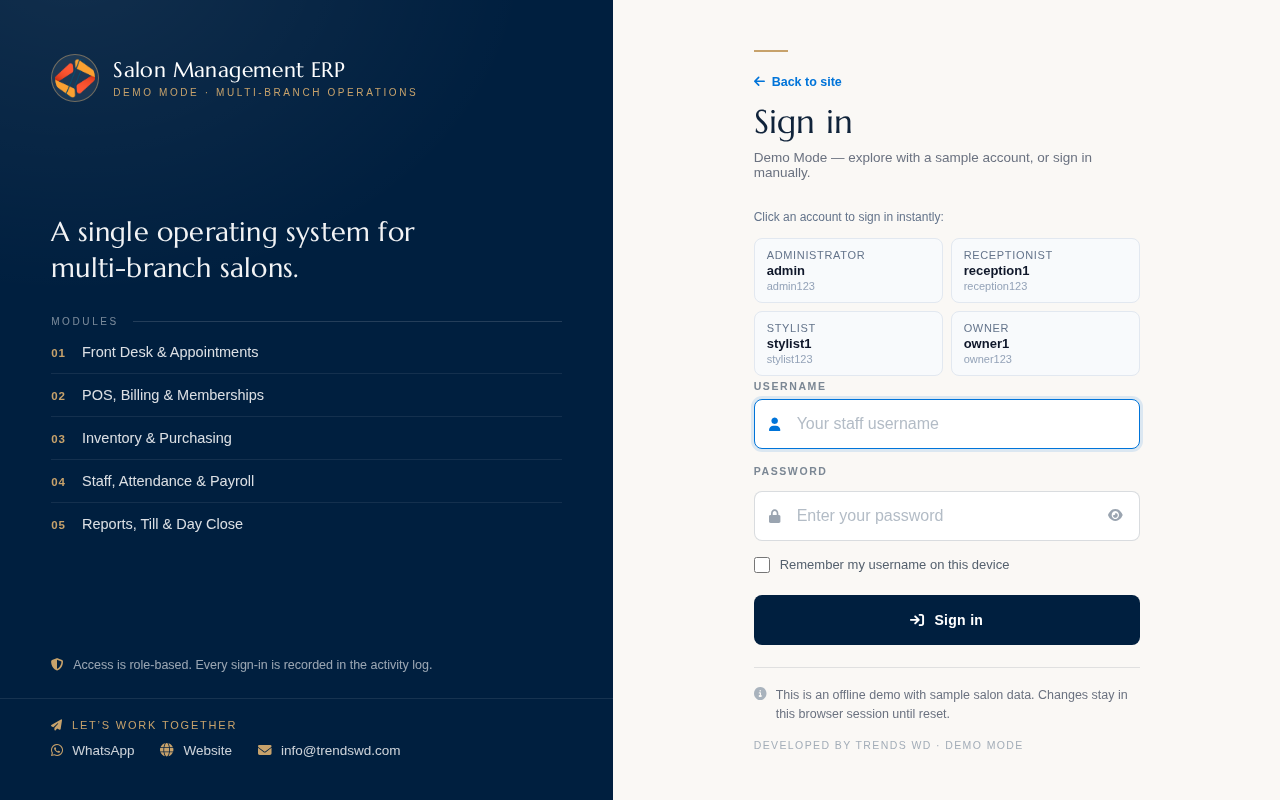
Demo credentials are shown on the login cards. Administrator sample: username admin.
Layout at a glance
| Area | Detail |
|---|---|
| Demo banner | Fixed Demo Mode notice at the top |
| Sidebar | Module navigation by role |
| Header | Page title, search, theme, notifications |
| Main | Tables, calendars, or KPI cards for this module |
Steps
- Open Demo Mode and choose Staff login if the public site appears.
- Click a demo account card, or enter Username and Password.
- Click Sign in and wait for the dashboard.
Errors and edge cases
- If a page is empty of permissions, ask an administrator to grant access under Roles & Permissions.
- Demo Mode changes stay in this sandbox until you use Reset demo data.