Dashboard
Version: 1.0.0
Route: /admin
Who can access: Signed-in admin users
What this page does
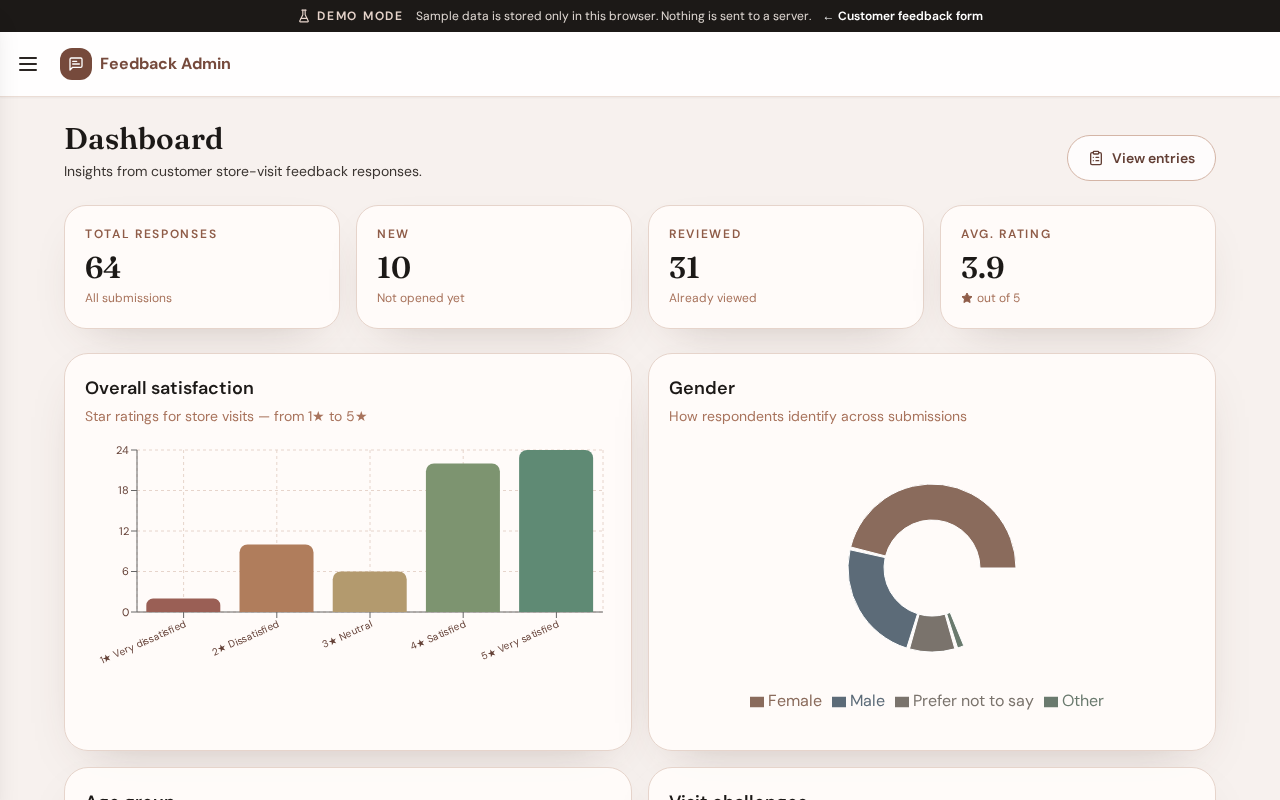
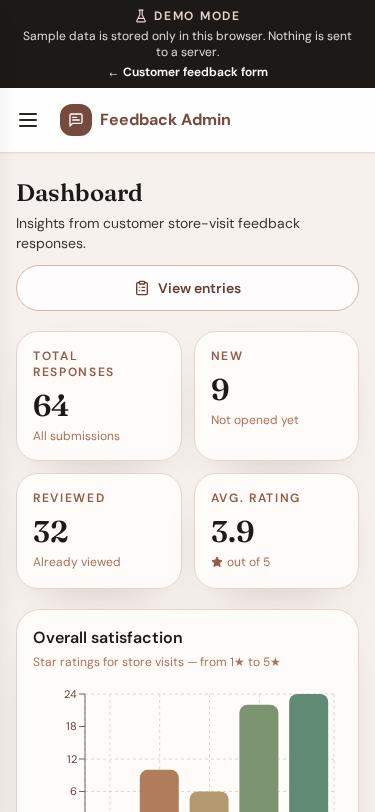
Summarizes feedback responses with totals and charts so teams can see trends at a glance.
Layout at a glance
- Summary cards: Total responses, New, Reviewed, Avg. rating
- Charts: Overall satisfaction, Gender, Age group, Visit challenges, Purchase categories
- Link to View entries
Steps
- Sign in and open Dashboard (home of
/admin). - Review summary cards. Select Total responses, New, or Reviewed to open the entries list with the matching status filter.
- Scroll charts for satisfaction, demographics, challenges, and categories.
- Select View entries to browse individual submissions.
Charts
| Chart | Insight |
|---|---|
| Overall satisfaction | Star ratings from 1★ to 5★ |
| Gender | How respondents identify |
| Age group | Age brackets in the responses |
| Visit challenges | Selected challenge options |
| Purchase categories | Categories customers usually buy |
Errors & edge cases
- If no responses exist yet, charts show an empty state.
- Average rating shows an em dash when no ratings are available.