Brand settings
Version: 1.0.0
Route: /admin/settings
Who can access: Signed-in admin users with edit permission
What this page does
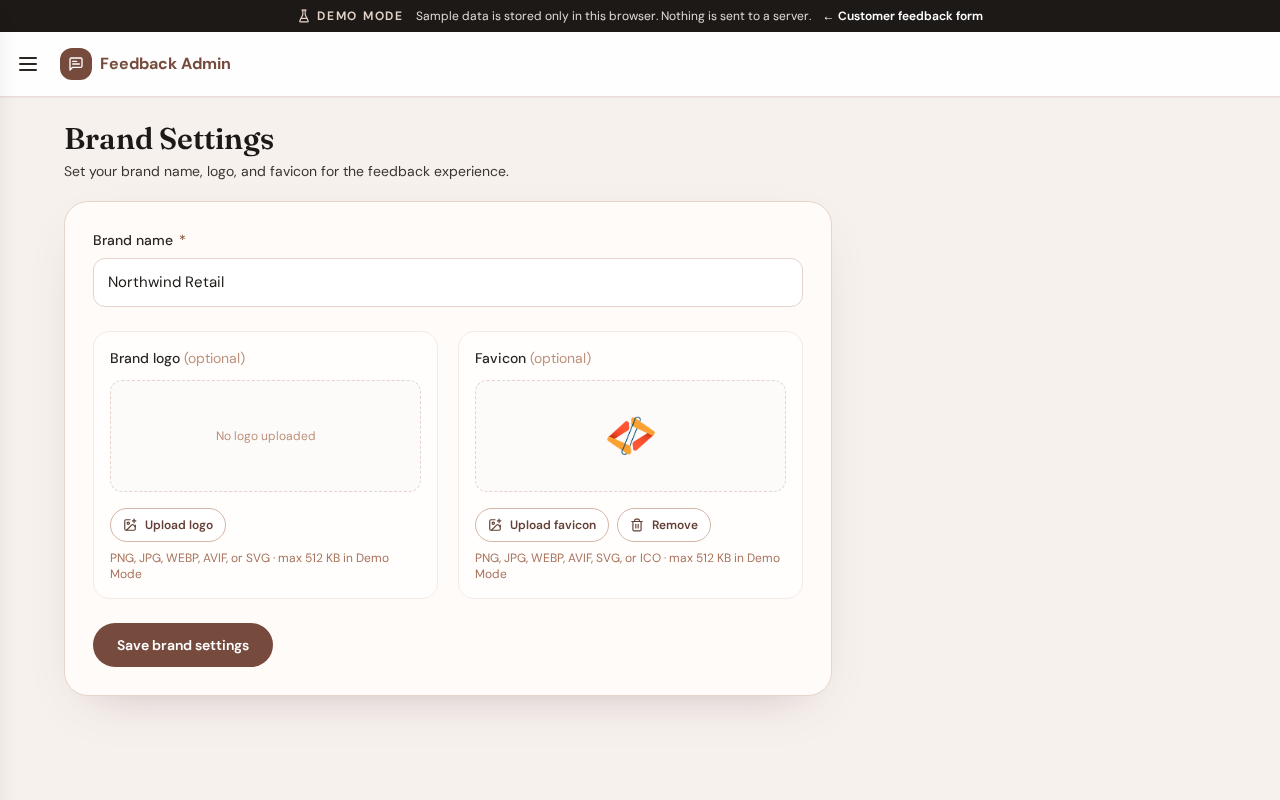
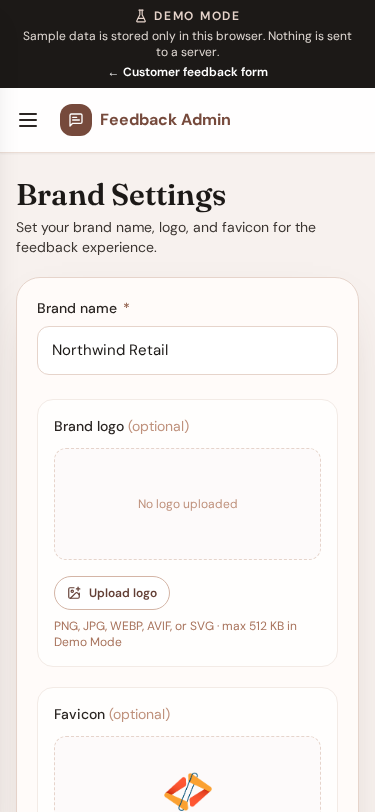
Configures the store name and optional logo/favicon shown on the public form and browser tab.
Layout at a glance
- Store / brand name (required)
- Logo upload (optional)
- Favicon upload (optional)
- Save action
Steps
- Open Brand Settings from the menu.
- Enter the brand name.
- Optionally upload a logo and/or favicon image.
- Save changes.
- Open the public form to confirm branding appears as expected.
Notes
- Brand name is required.
- Logo and favicon are optional; the form falls back to the brand name (and a default icon when needed).
Errors & edge cases
- Oversized or unsupported files are rejected with a clear message.
- Viewer accounts may see settings as read-only in Demo Mode.