Settings
Version: 1.0.0
Route: /settings
Who can access: Signed-in users
Screenshot
Mobile:
What this page does
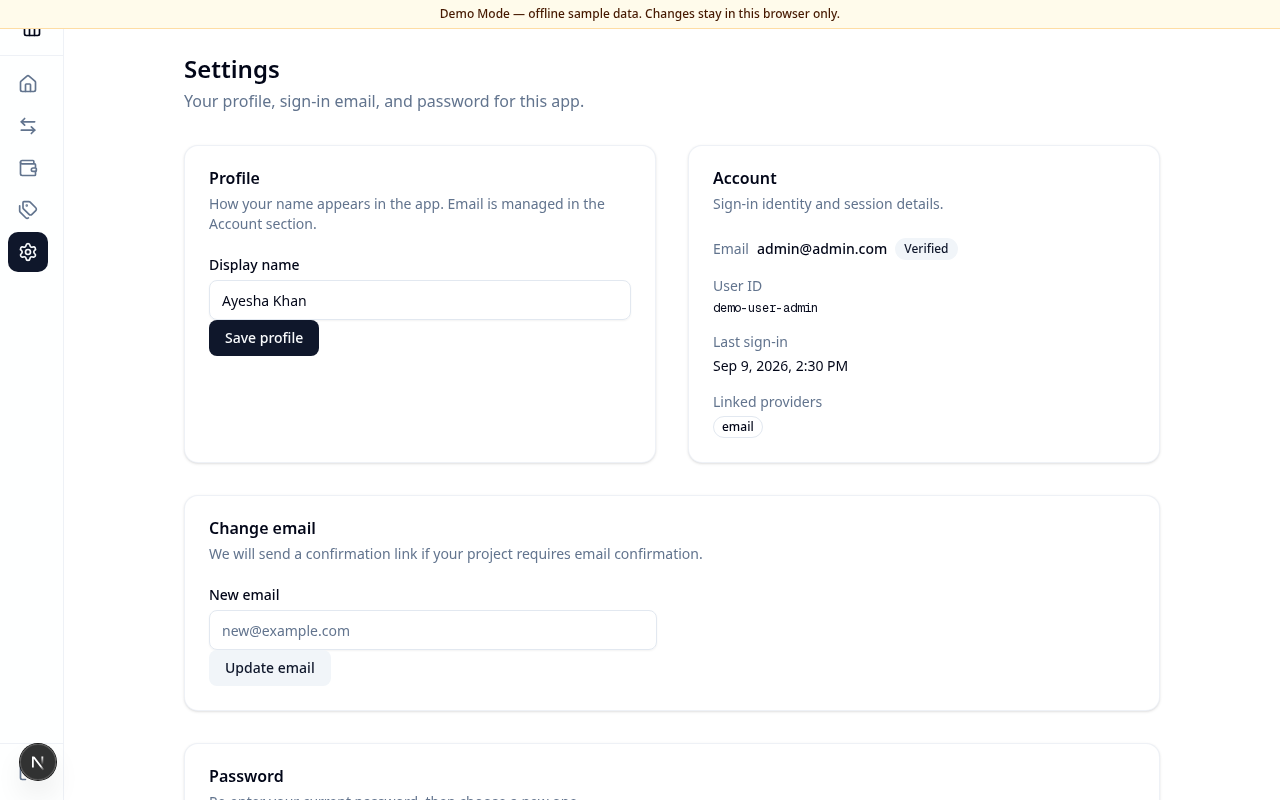
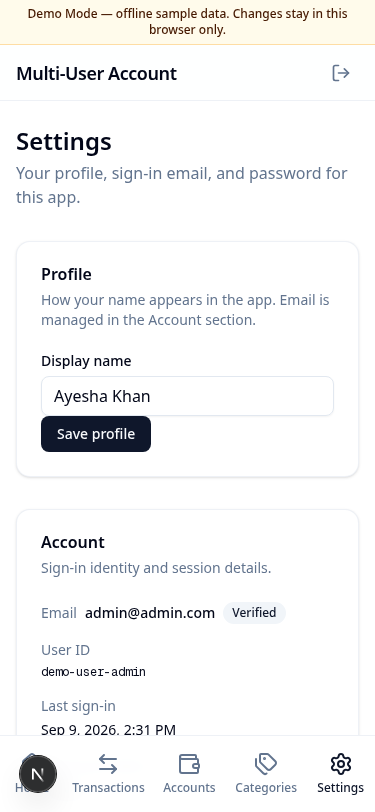
Manage how your name appears, review account identity details, and update email or password for email/password accounts.
Layout at a glance
- Profile — display name
- Account — email, verification badge, user ID, last sign-in, linked providers
- Change email
- Password — current and new password fields
Update profile
- Enter Display name.
- Choose Save profile.
Change email
- Enter New email.
- Choose Update email.
- Follow any confirmation steps your environment requires.
Change password
- Enter Current password.
- Enter New password and Confirm new password (at least 6 characters).
- Choose Update password.
Errors & edge cases
- You must be signed in to view Settings.
- New passwords that do not match, or are shorter than 6 characters, show a clear error.
- An incorrect current password blocks the update.