Getting started
Version 1.0.0
Audit System is the workspace for a closing-stock count. You keep a master list of items, scan barcodes into a batch, and compare quantity on hand with what has been scanned.
Open the demo
- Open the live demo from the project page when it is published, or run Demo Mode on your own computer.
- On the login screen, choose an account card. You do not need to type the email and password yourself.
- You land on the Dashboard.
Demo accounts:
| Name | Role | What they can do |
|---|---|---|
| Ayesha Khan | Admin | Everything, including users and the business name |
| Omar Farooq | Editor | Stock, scans, and batches. No user administration |
| Sara Malik | Viewer | View stock and scans. Cannot change records |
Each account has its own sample shop, Northwind Retail. Changes stay in that browser. Reset demo data in the header restores the sample stock for the account you are using.
A normal count
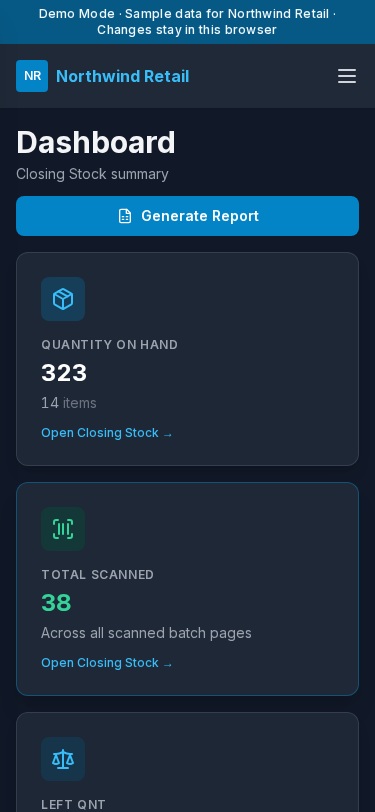
- Review the three totals on the Dashboard.
- Open Closing Stock and confirm the master list.
- Open a batch, such as October Floor Count, and scan barcodes.
- Return to Closing Stock. Left Qnt is quantity on hand minus what was scanned.
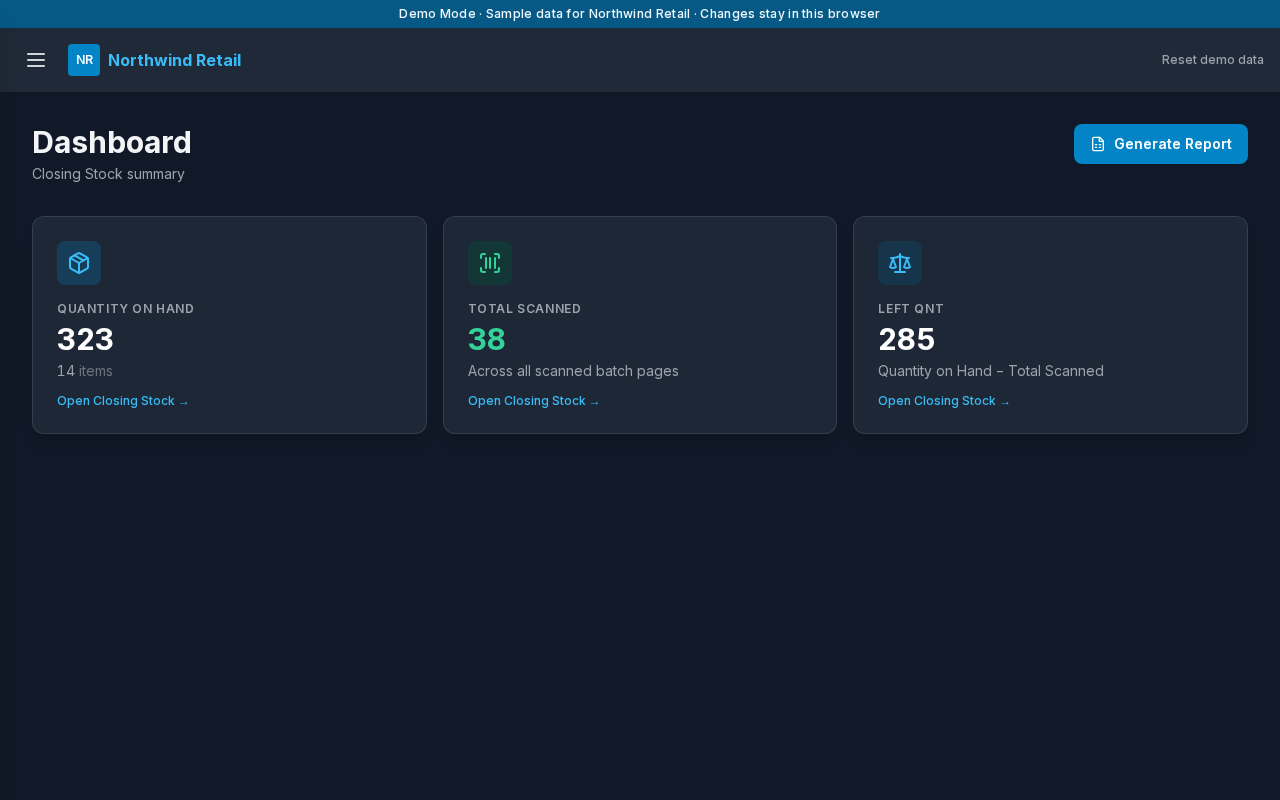
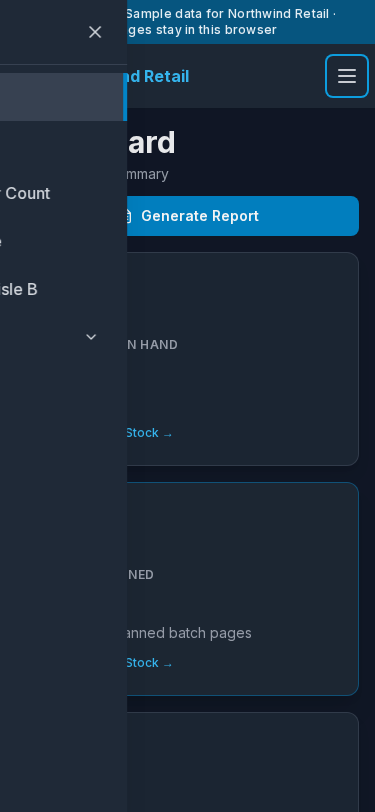
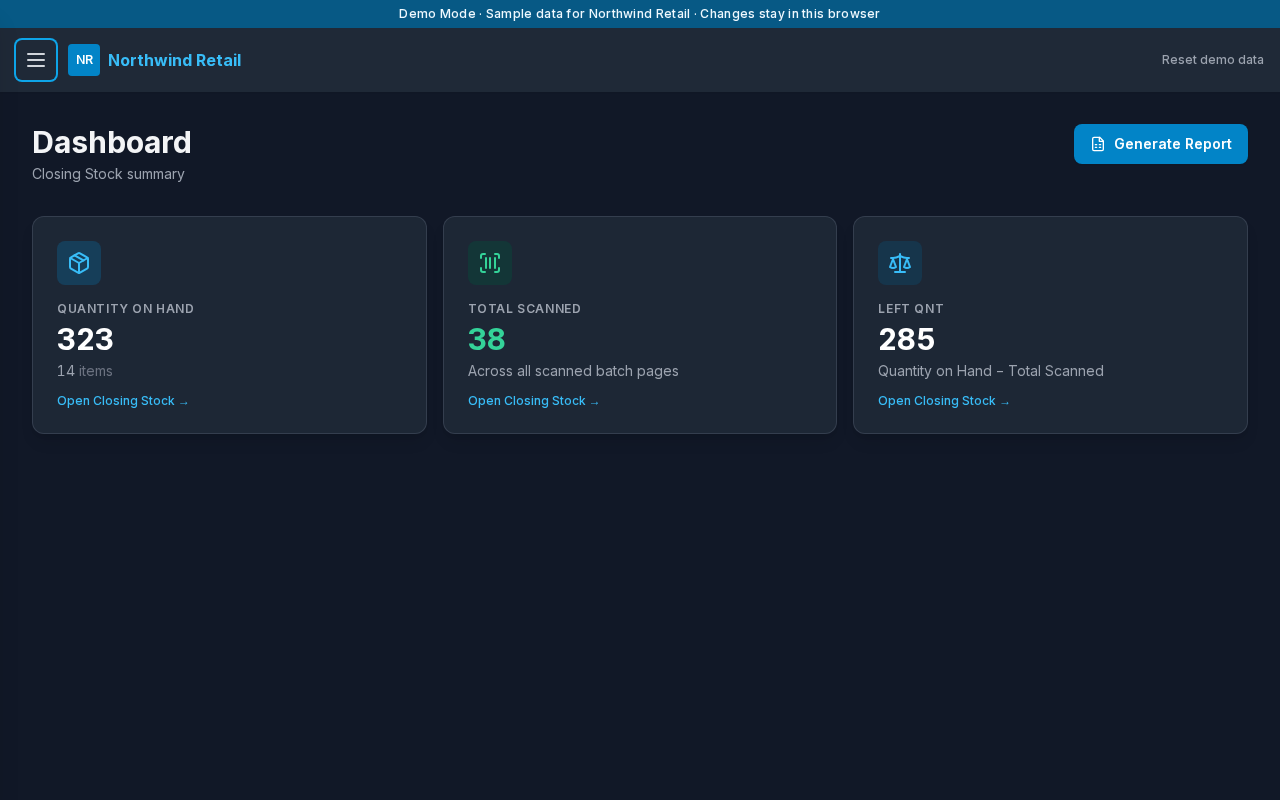
Open the menu from the header to reach Closing Stock, each batch, and Settings.
On a phone the same pages stack in a single column.