Accounts
Version: 1.0.3
Route: /accounts
Who can access: Signed-in users. Admins and Editors manage accounts; Viewers can browse.
Screenshots
What this page does
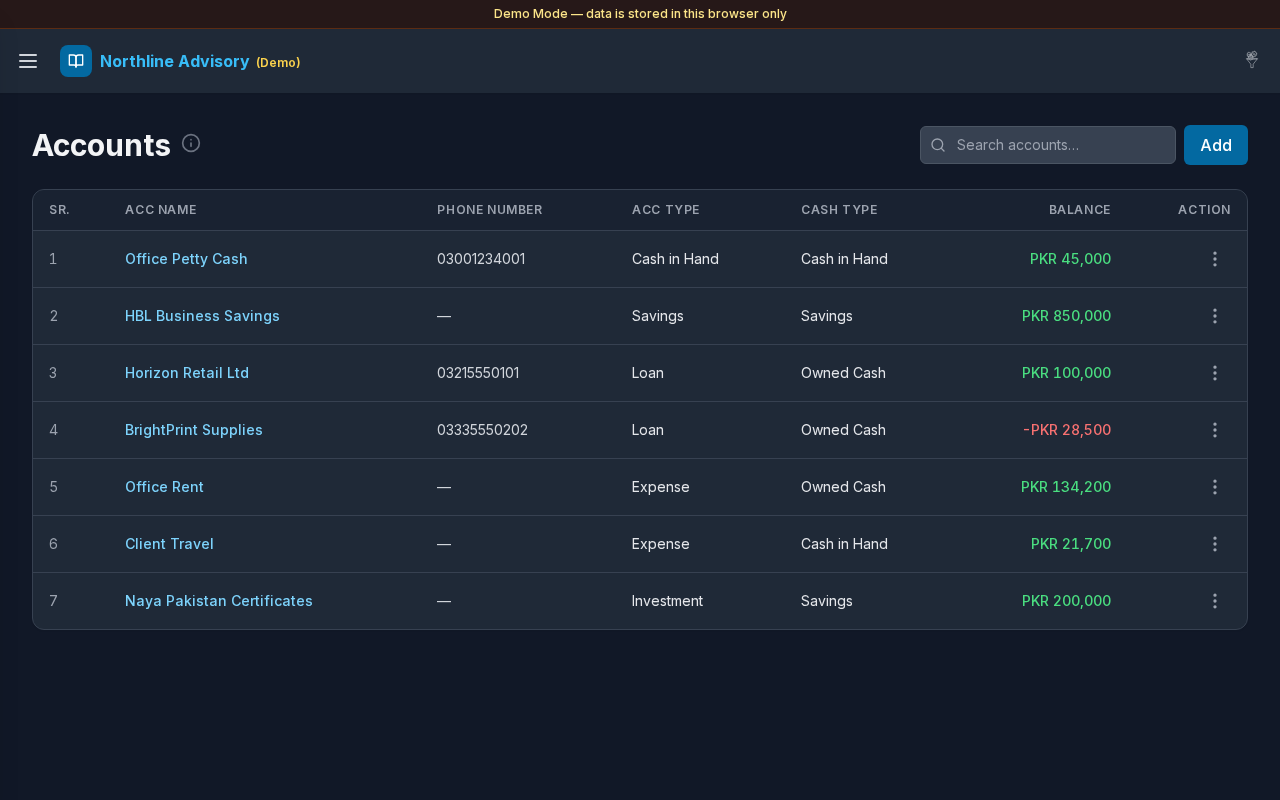
Master list of ledger accounts (parties, cash wallets, expense heads, investments, and more). Create and edit accounts, assign Account Type and Cash Type, search the list, open Account Details (Details / Documents), export a ledger PDF, and send a WhatsApp message with an optional ledger link.
Layout at a glance
- Title Accounts with info tip
- Search: Search accounts…
- Add button
- Table: SR., ACC Name, Phone Number, ACC Type, Cash Type, Balance, actions
- Pagination when the list exceeds the page size (compact on mobile)
- Modals: Add Account / Edit Account, Account Details, Export ledger, Delete Account?
Steps
Browse accounts
- Open Accounts from the sidebar.
- Review name, phone, types, and current Balance.
- Select an account name to open Transactions filtered to that account.
Search
- Type in Search accounts….
- Results match name, phone, types, and balance text.
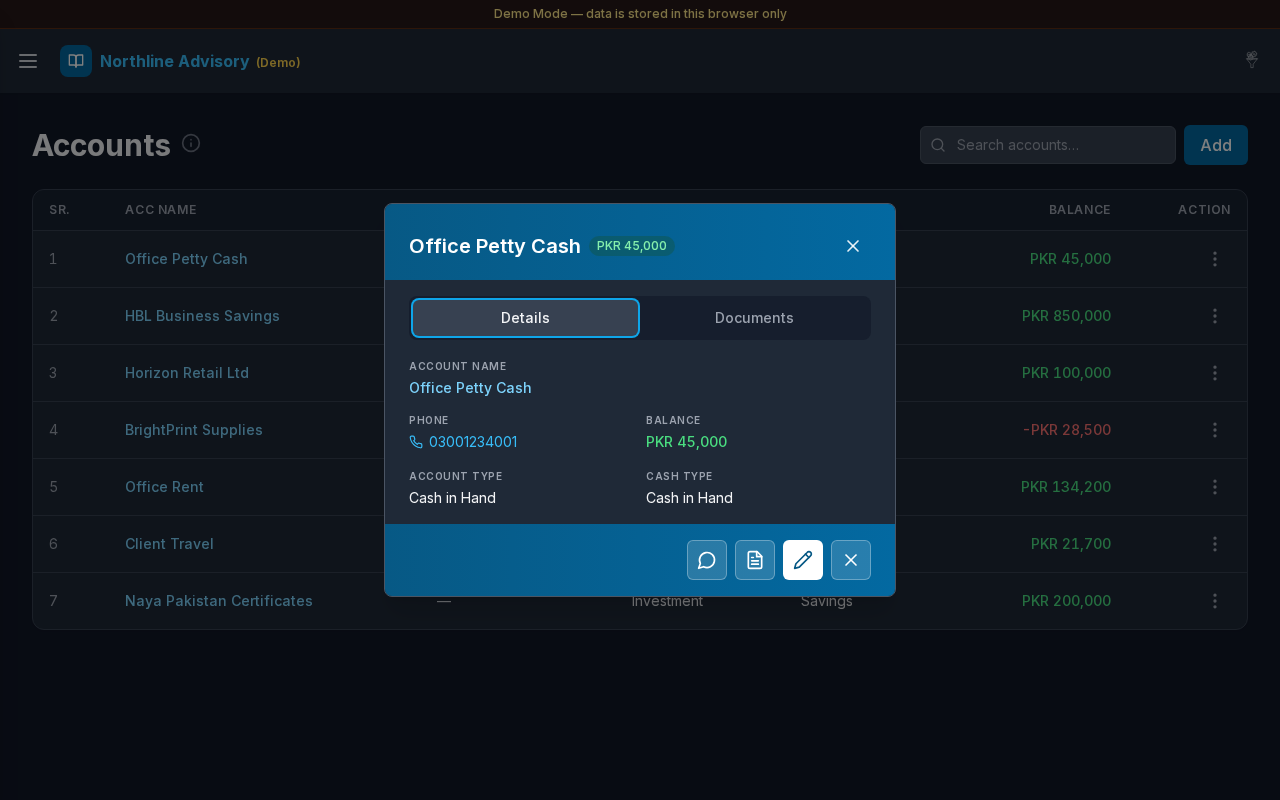
Open Account Details
- Select a row, or open Actions → Details.
- Use the Details and Documents tabs (same pattern as transaction preview).
- Footer icon buttons: Send message (ledger link), Save ledger PDF, Edit, and Delete.
- Save ledger PDF generates the account ledger PDF into that account’s Documents tab.
Add an account
- Select Add.
- In Add Account, fill:
- ACC Name (required)
- Phone Number (optional)
- Account Type
- Cash Type
- Select Add to save, or Cancel.
Edit an account
- Open the row Actions menu.
- Choose Edit.
- Update fields in Edit Account.
- Select Save.
Export a ledger
- Open Actions for an account.
- Choose Export ledger.
- Pick a format and select Download.
Send message
- Open Actions → Send message, or use the preview footer icon.
- WhatsApp opens promptly. When Allow URL is on in Settings,
{{ledger_url}}is filled with a short public link to the ledger PDF.
Delete an account
- Open Actions → Delete.
- Confirm in Delete Account?
- Select Delete to remove, or Cancel to keep the account.
Fields (Add / Edit Account)
| Field | Required | Notes |
|---|---|---|
| ACC Name | Yes | Display name on journals and lists |
| Phone Number | No | Used for call / message shortcuts |
| Account Type | Recommended | From Settings → Account Type |
| Cash Type | Recommended | From Settings → Cash Type |
If no active types exist, the form points you to Settings → Account Type or Settings → Cash Type.
Errors & edge cases
- Missing name: Account name is required.
- Empty list: No accounts yet. Click Add to create one.
- No search matches: a calm empty message appears.
- Balances update from posted transactions; opening balances may appear as early journal lines.
- If Allow URL is off or the share link cannot be built, Send message still opens WhatsApp with the template text.
Related links
- Transactions
- Account Type
- Cash Type
- Settings (message templates)
- Cash & Savings